 IS
Prófaðu kerfið
Login
IS
Prófaðu kerfið
Login

CrewBrain meets AI – how we are making CrewBrain AI ready
Dear customers,
Before the pre-Christmas rush begins, we would like to take this opportunity to introduce some important and interesting new features with another CrewBrain update. AI is a hot topic right now, so it only makes sense that we are making CrewBrain “AI-ready” with this update.
But we have also implemented many other interesting enhancements, which we would like to present to you in this update info. As always, the update will be available to all customers starting tomorrow.
We wish you continued success with CrewBrain.
Your CrewBrain team
AI integration in CrewBrain via MCPCrewBrain is becoming AI-ready. You can now use CrewBrain with MCP clients—another step toward smarter planning and enhanced automation. |
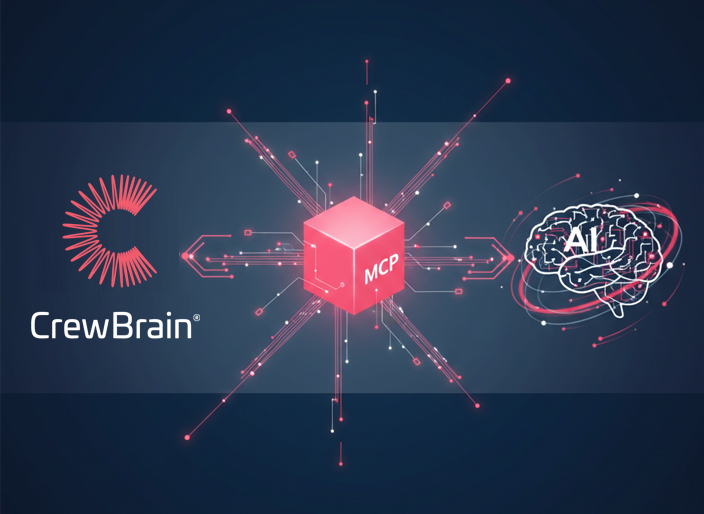 |
What is MCP?An MCP server (“Model Context Protocol”) is a service that provides structured data, tools, or functions in a standardized way for AI models. It enables a uniform interface through which AI systems can access external information or actions in a secure and controlled manner. |
Available clientsInitially, the integration supports OpenAI's ChatGPT. In addition, all clients that support dynamic client registration or setting their own headers are already compatible. In an accompanying blog post, we go into the technical details and show how common clients can be set up. |
How does it work?Instructions for connecting any AI can be found in our wiki. |
What else is coming?We are currently in the process of further development. Compatibility tests with other MCP clients are already being planned. |
OAuth for the APIOur API v2 is constantly evolving. As part of the integration of the MCP server for AI applications, we have now also implemented the option of implementing authentication on the API via OAuth flow. This means that our API will also rely on this standardized authentication method with access and refresh tokens in the future. |
 |
Password loginLogin can be performed using a username and password. This is the simplest method for obtaining a set of access and refresh tokens and should be used wherever a user authenticates directly with the API. |
Authorization-CodeLogin using an authorization code should be selected if an external application requires access to CrewBrain. The user is first redirected to the login page in CrewBrain and can then approve access for the external application. |
DocumentationAs usual, all information on the use of the available OAuth flows can be found in our API documentation. |
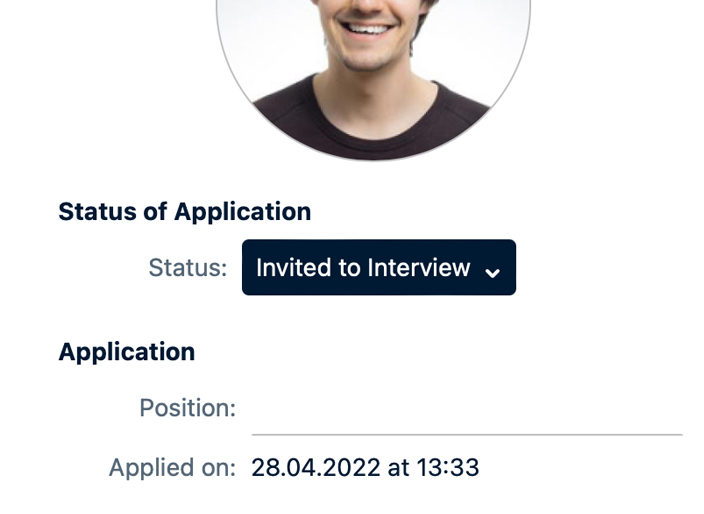
Applicant managementApplicant management has also been significantly revised in this version. In the administration section, the available settings are now grouped more clearly, and it is also possible to hide more fields or define them as mandatory fields. |
 |
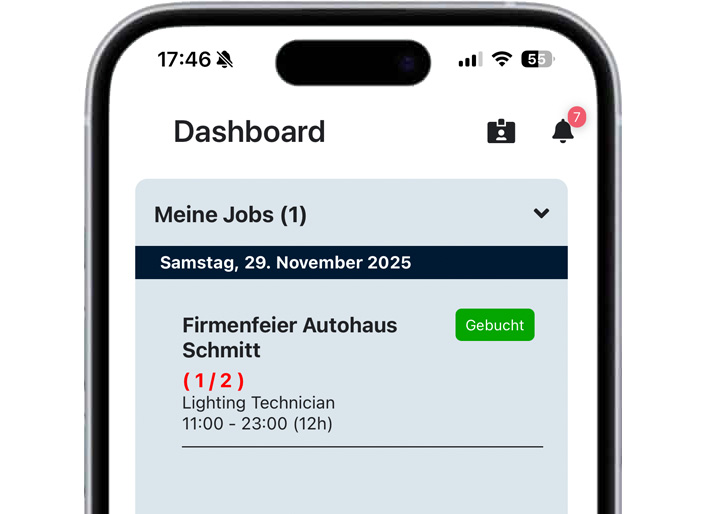
My jobsUnder the menu item “My Jobs” and in the app dashboard, the system now shows when the user is defined as the driver for one of the scheduled vehicles in a job. This way, users know immediately whether they are supposed to drive a vehicle or not. |
 |
Travel expensesWe have also implemented some useful enhancements for travel expenses, especially when different locations of a company are combined in one account. |
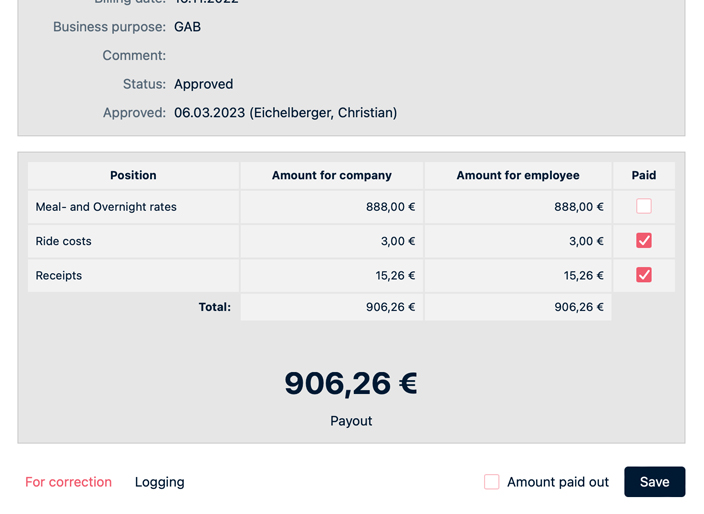 |
Additional meal costsThis is a Germany-specific topic, and it is only available for customers in Germany. However we also have many customers that spread across multiple countries and if the main contact was outside of Germany, additional meal costs were not possible. This has now changed and we bound it to the address of the branch of each employee. |
CurrencyThe definition of different currencies for different locations in the world is also relevant. Here, too, it is now possible to define a different currency for each location, which is then used in travel expenses. |
Detailed receipt entryWhen entering detailed receipts with different VAT rates, the user is now better informed when the total amount matches the individual breakdown. |
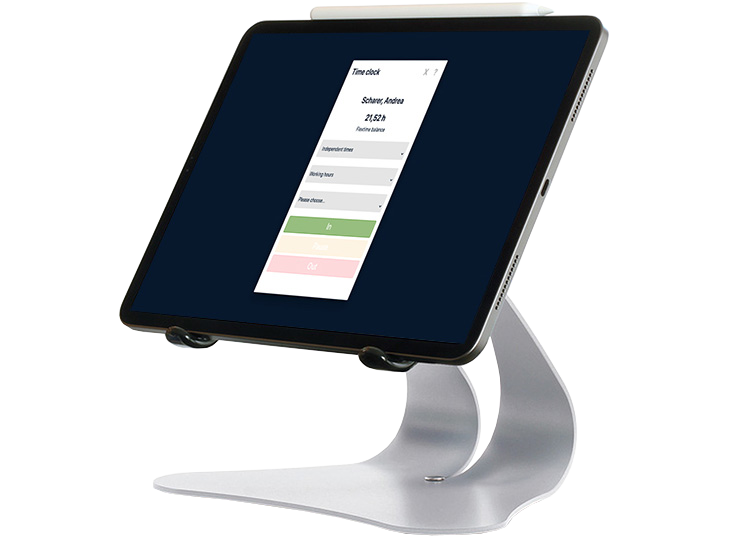
Statement & Time recordingAs with every update, there are useful optimizations and improvements for statements and time recording. |
 |
Sickness reportingFor reporting sick leave, categories other than those listed under Administration > Vacation > Categories can now also be marked as relevant. For example, sick leave without a doctor's note can also be included in the report, which can be generated in PDF format via time tracking. In addition, all of these categories are summarized in a new column to form a total. |
PayrollFor several versions now, CrewBrain has been displaying the gross amounts of the projected payroll as a preview. This display is now also included in the PDF exports and is therefore also available there. |
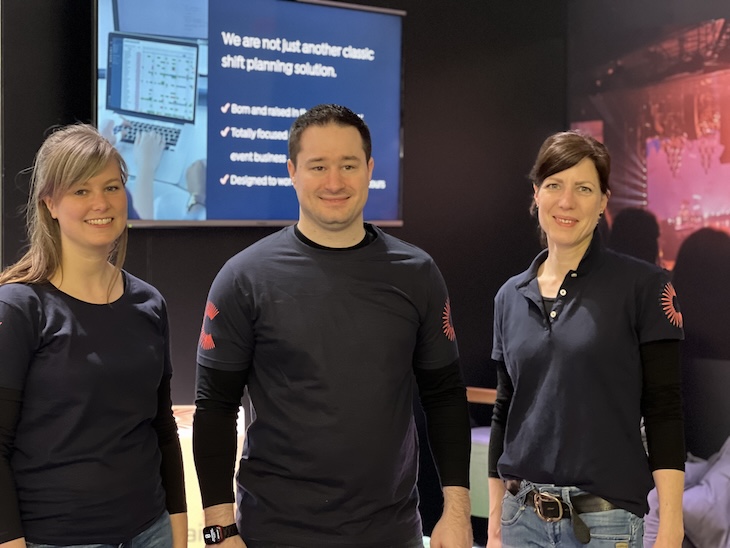
CrewBrain Community DaysWould you like to exchange ideas with the CrewBrain community? Then take part in our survey and tell us what you would expect from CrewBrain Community Days. |
 |
|
A frequently expressed wish among our customers is for greater interaction between customers and the opportunity not only to support each other, but also to create a platform where they can exchange ideas not only about the system itself, but also about relevant topics such as working time legislation, etc. One possible option here is “CrewBrain Community Days.” To decide whether it is worthwhile to organize such a platform and what scope it should have, we have created a survey. The more customers who participate in the survey, the better we can decide whether we can offer such Community Days.
|
|
Tips & tricks for CrewBrainFor some time now, we have been publishing weekly shorts & reels on various social media platforms such as YouTube, Facebook, Instagram and LinkedIn. Here we take a closer look at various aspects of the system and provide tips and tricks for everyday use of CrewBrain. Subscribe now and never miss another post!
|
 |