 IS
Prófaðu kerfið
Login
IS
Prófaðu kerfið
Login

2026-04-14
Baden-Baden – CrewBrain GmbH is expanding its app with key features that enable users to work even more efficiently and with greater clarity in their daily mobile workflows. The familiar dashboard from the desktop version is now available within the app. In addition, a new, simplified job view provides greater clarity and intuitive navigation.
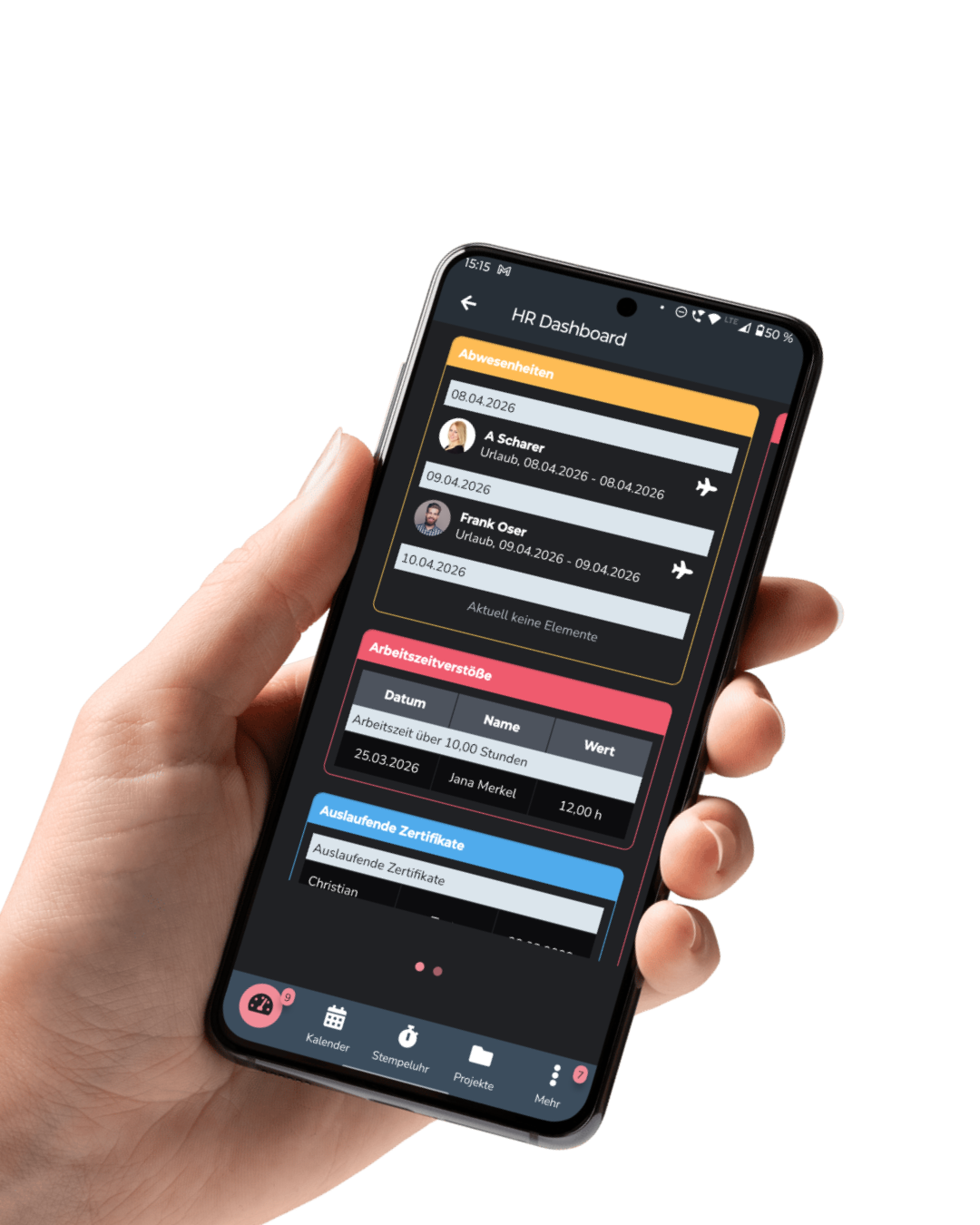
With the latest update, CrewBrain brings dashboards directly into the app. Users can now access and use their custom dashboards—the same ones they’re familiar with from the desktop version—on their mobile devices.
The interface has been deliberately kept simple: From now on, when users select the “Dashboard” menu item, they will not only see their current jobs and requests, but also all the dashboards used in the desktop version, which are displayed below. These can now be opened directly within the app.
This gives users access to all information related to their daily tasks at any time, whether they’re working in the office or on the go. “Our users now have the same transparency and control they’re used to from the desktop version, available anytime, anywhere,” explains Sven Schlotthauer, CEO and founder of CrewBrain.
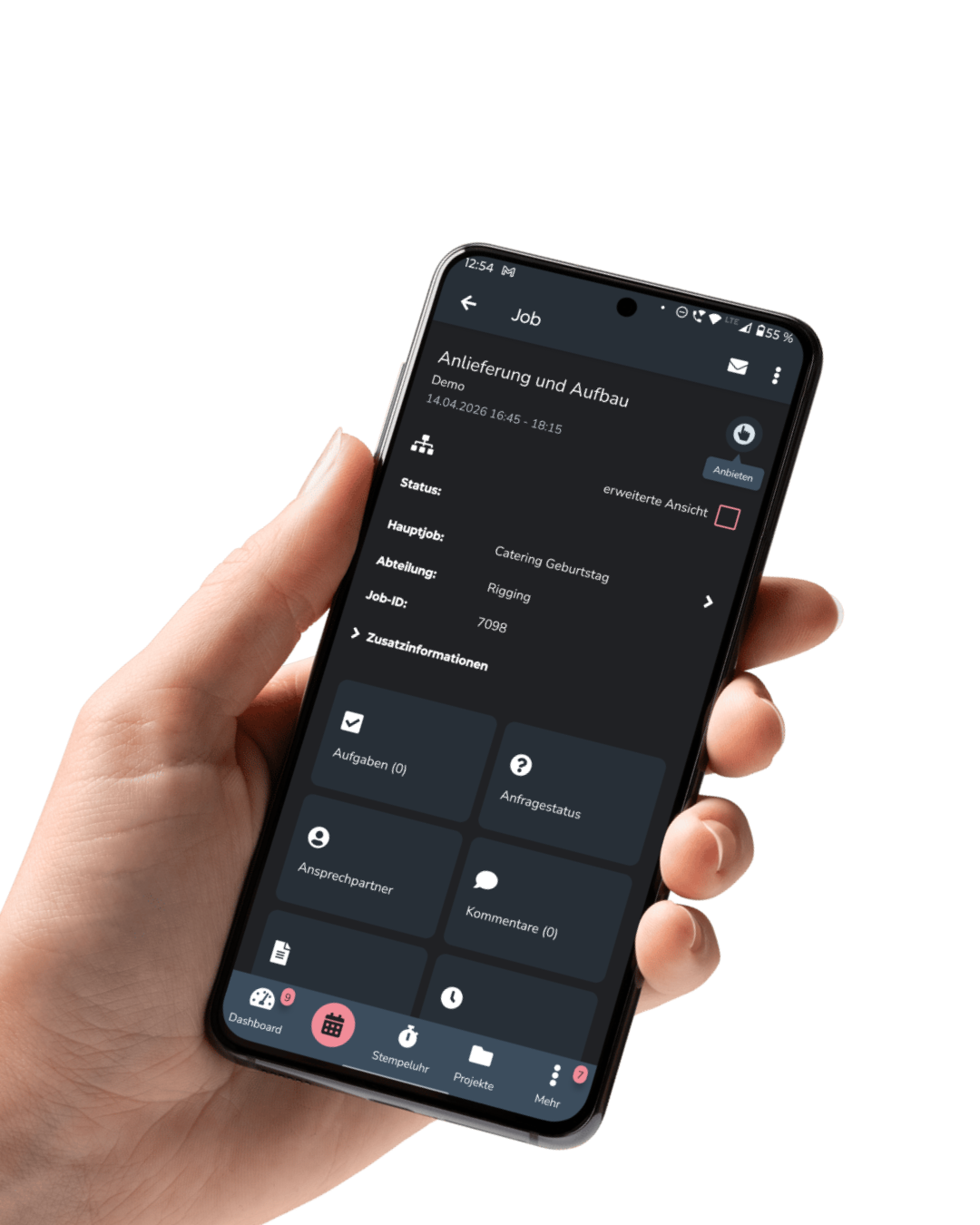
In addition to dashboard integration, the way jobs are displayed in the app has also been significantly improved. With the new “Simple View,” users get a clearly structured and streamlined view of the most important information.
When you open a job, clear tiles are now displayed below the main information—for example, for comments or the request status. Simply tapping a tile opens the corresponding information or function directly.
The goal of this new layout is to significantly simplify navigation within a job and speed up information absorption. Users can find their way around more quickly and access relevant content more efficiently.
“Clarity is especially important when working on the go,” adds Eva Pennekamp, who is in charge of sales at CrewBrain. “With the new Simple View, we’ve deliberately simplified the job interface.”
With these new features, CrewBrain continues to focus on enhancing the user experience within the app. The combination of a mobile dashboard and an optimized job view helps users streamline their workflows and stay on top of things at all times.
For more information about CrewBrain and the app, please visit www.crewbrain.com.