

Risk assessments. Done in minutes per event.
Set up your risks once. For every job, CrewBrain suggests the right ones from the venue, the vehicles and the crew. You review, approve, and your crew has everything in the app.
Already a CrewBrain customer? As an admin, you can try risk assessments free for 7 days right inside CrewBrain.
Containing risks
+ Add activity field+ Add risk| Icon | Risk | Risk factor | Responsible person | Risk | Risk after measures |
|---|---|---|---|---|---|
| Mechanical hazards | |||||
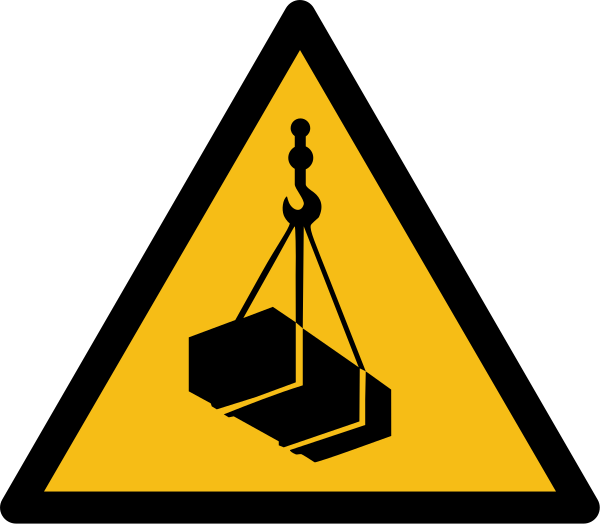 | Suspended loadsTrusses and gear while being hoisted+ More | Mechanical hazards | Rigger | High | Very low |
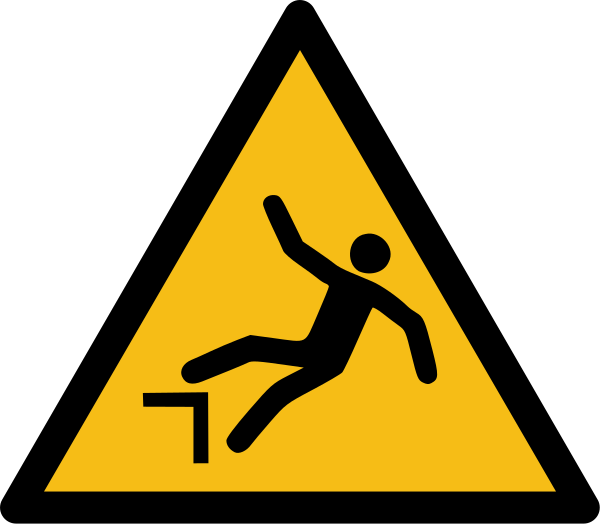 | Fall from the work platformWorking on the scissor lift above 6 ft+ More | Mechanical hazards | Stage manager | Very high | Rather low |
| Electrical hazards | |||||
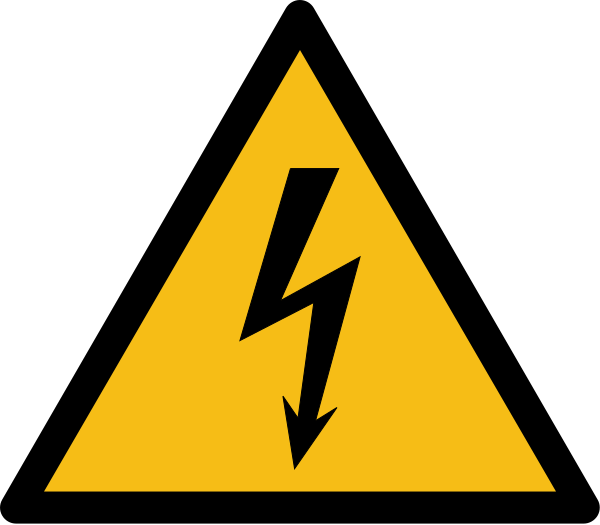 | Outdoor power distributionRain on distros and cables+ More | Electrical hazards | Electrician | High | Very low |
| Moving transport or work equipment | |||||
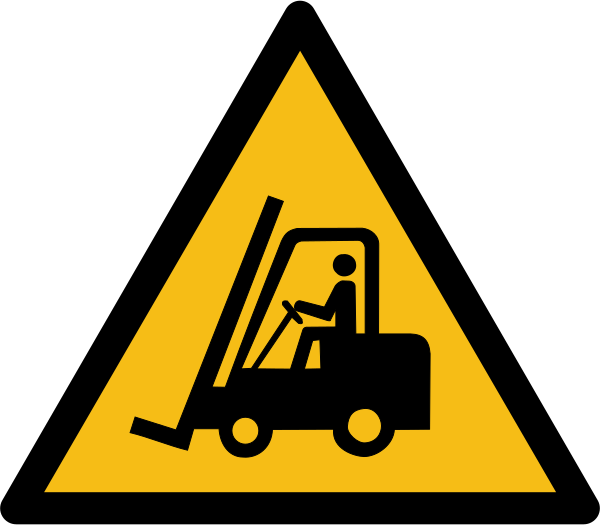 | Forklifts on siteTraffic routes shared with pedestrians+ More | Moving transport or work equipment | Driver | Medium | Very low |
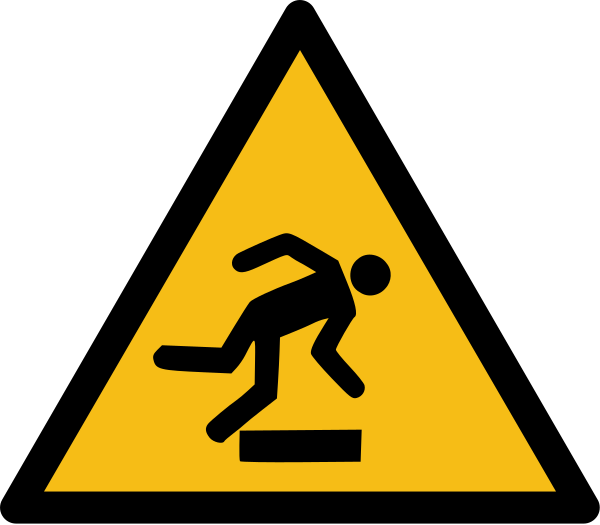 | Trip hazards from cablesCable runs in the audience area+ More | Moving transport or work equipment | Stage manager | Medium | Extremely low |
How it comes together
Duty done, without the paperwork
Event work needs documented risk assessments. With changing venues and setups that is a lot of work. With CrewBrain it becomes routine.
- Set up once, reuse foreverRisks per venue, vehicle and category are ready in every new job.
- Always up to dateApprovals are valid for twelve months. After that, CrewBrain emails the responsible person.
- Proof at the push of a buttonA PDF in the CrewBrain layout with matrix, measures and responsible people, plus the briefing signature list.
- In your crew’s languageTranslate risks and assessments. The app shows everyone the version in their language.
- ISO 7010 signsEvery risk gets its warning sign, every measure its mandatory sign.
- Faster with CrewBeeCrewBee imports existing lists from your spreadsheet, whole catalogs in a few minutes.
CrewBee is great! Yesterday I used my prepared spreadsheet to create and edit 200 risks in minutes. That must have saved me a week’s work.
Frequently asked questions about risk assessments
Do I have to start from scratch for every event?
No. You set up risks once for venues, vehicles and staff categories. In the job, CrewBrain suggests the matching ones, and you only add what makes this event special.
How do assessments stay up to date?
An approval is valid for twelve months. After that, the assessment is set to “Review required” and CrewBrain emails the responsible person.
How does my crew find out?
Your crew sees approved assessments in the job in the app, in their language. Everyone confirms safety briefings with a signature on their phone.
Can I import existing assessments?
Yes. CrewBee creates risks from your Excel or CSV file, many at once.
How do I get the feature?
Risk assessments are an add-on, safety briefings are included. As an admin, you can try them free for 7 days inside CrewBrain.
See risk assessments in action.
In 20 minutes we show you how your assessments come together from venue, vehicles and crew.